Amazon Product Description Editor

Create professional, Amazon-compliant product descriptions.

0 / 2000 characters
Amazon Compliant HTML

Amazon Allowed HTML Tags

<b><strong><i><em><u><p><br><h1><h2><h3><h4><h5><h6><ul><ol><li>

Amazon only allows specific HTML tags in product descriptions. Our editor automatically ensures your content uses only these approved tags:

Key Features

Professional Product Description Editor

Create compelling Amazon product descriptions with our intuitive HTML editor.

WYSIWYG Editor

What You See Is What You Get – format your text visually without touching any code. Simply type and style your content as it will appear.

Amazon Compliant

Our editor automatically strips any HTML tags not allowed by Amazon, ensuring your descriptions will be accepted every time.

Live Preview

See exactly how your product description will look on Amazon. Switch between editor, preview, and raw HTML views instantly.

One-Click Copy

Copy your formatted HTML with a single click, ready to paste directly into Amazon Seller Central or your listing tool.

Ready Templates

Jumpstart your descriptions with professionally designed templates for basic products, premium items, and bundles.

Instant Results

No registration, no downloads, no waiting. Start creating professional product descriptions immediately in your browser.

HOW IT WORKS

How to Create an Amazon Product Description With Our HTML Editor

A well-crafted product description can significantly impact your conversion rate on Amazon. Our editor helps you create professional, formatted descriptions that capture customer attention and communicate your product's value effectively.

Amazon allows limited HTML formatting in product descriptions, giving sellers the opportunity to create visually appealing content that stands out. Proper use of headings, bullet points, and text formatting makes descriptions easier to scan and more persuasive.

"Product descriptions with proper formatting see up to 30% higher conversion rates compared to plain text listings."

Amazon has strict rules about which HTML tags are allowed. Using prohibited tags can cause your description to display incorrectly or be rejected entirely. Our editor automatically sanitizes your content to use only Amazon-approved tags.

Formatting Tips for Better Conversions

Use headings to break up long descriptions into scannable sections. Bold text highlights key benefits and features. Bullet lists make specifications easy to compare. Keep paragraphs short and focused on customer benefits rather than technical specs alone.

Best practices include: leading with your main benefit, using emotional language that connects with buyers, addressing common questions and objections, and ending with a clear call to action. Remember the 2,000 character limit for Amazon product descriptions.

Create your perfect product description now. Use our free editor to format your content professionally, preview exactly how it will appear, and copy the Amazon-compliant HTML ready for your listing.
Featured Tools

More Free Amazon Seller Tools

Explore our suite of free tools designed to help you succeed on Amazon – from keyword research to sales estimation.

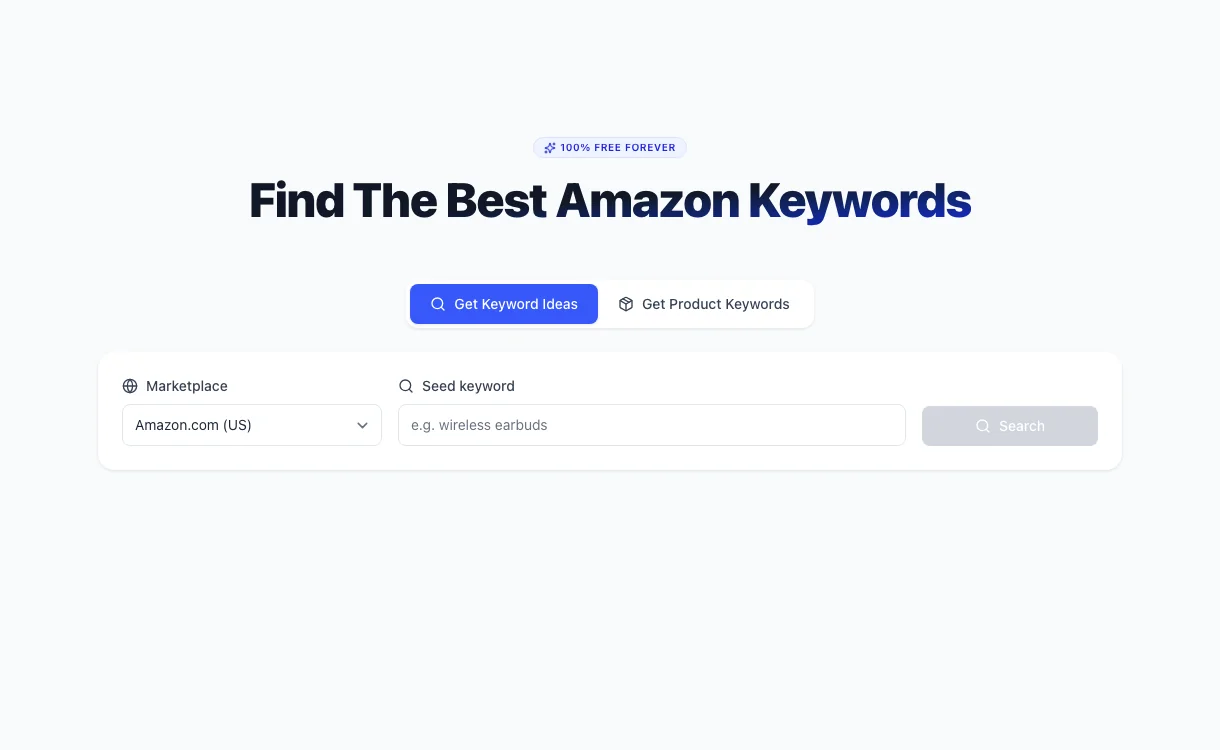
Amazon Keyword Tool
01/

Amazon Keyword Tool

Discover high-performing keywords for your Amazon listings. Our free tool helps you find the best search terms to increase your product visibility and drive more sales on Amazon.

Try Keyword Tool
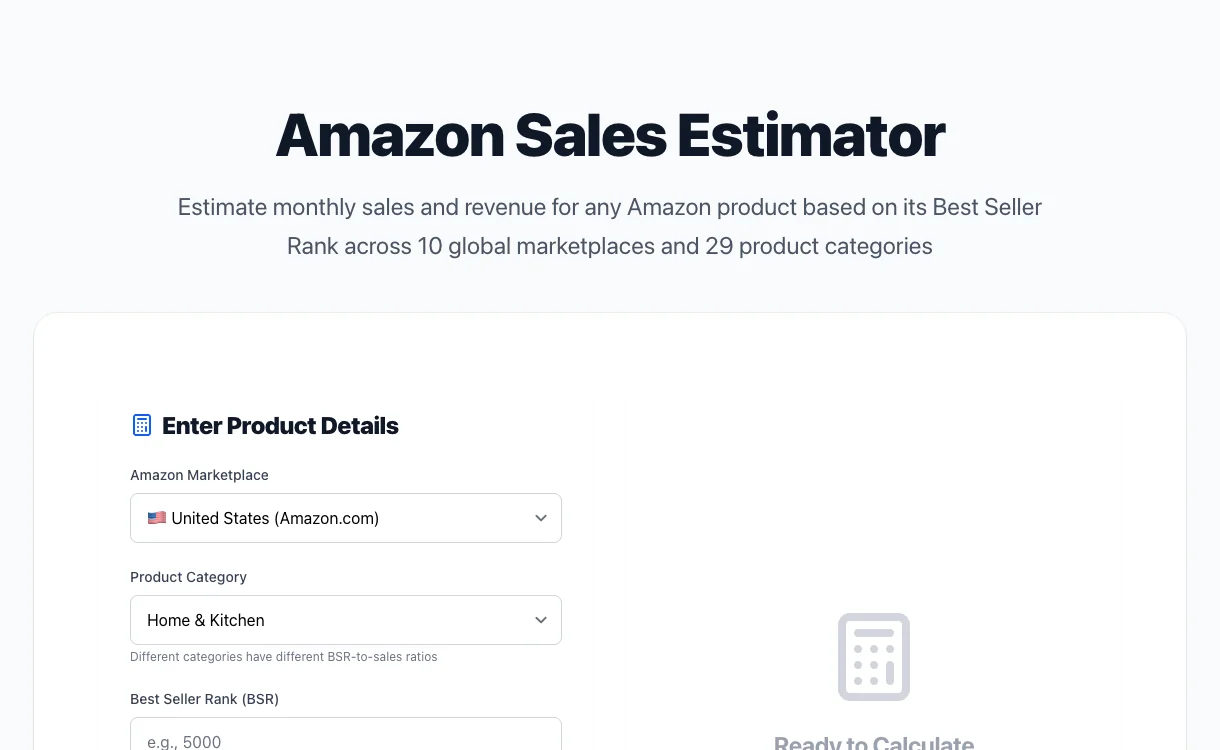
Amazon Sales Estimator
02/

Amazon Sales Estimator

Estimate monthly sales and revenue for any Amazon product based on its Best Seller Rank. Get accurate projections for 10 marketplaces and 15 categories.

Try Estimator

Discover Our Free Amazon Tools

Six free tools for Amazon sellers – from keyword research to PPC analysis.